

As jewellery businesses grow, they often invest in multiple software systems to manage operations more effectively.
However, many jewellers become confused by the different technologies available.
Terms like OMS, ERP, and POS are frequently used interchangeably, even though they serve very different purposes.
This confusion often leads businesses to:
- Buy the wrong software
- Duplicate functionality
- Create disconnected workflows
- Miss operational opportunities
Understanding the role of each system is critical.
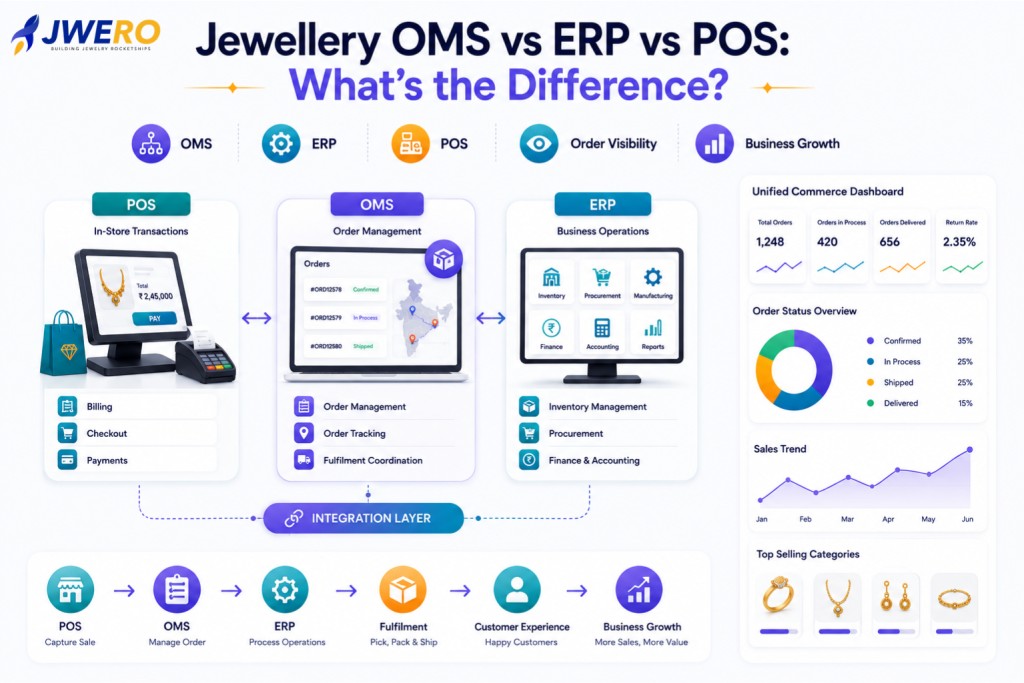
An Order Management System (OMS), Enterprise Resource Planning (ERP) platform, and Point of Sale (POS) system each solve different business challenges.
In this guide, we’ll explain what each system does, where they overlap, and how modern jewellery businesses use them together.
Understanding the Three Systems
Before comparing them, it’s important to understand their primary purpose.
OMS (Order Management System)
Focuses on managing customer orders from creation through fulfilment and delivery.
ERP (Enterprise Resource Planning)
Manages core business operations such as inventory, procurement, finance, manufacturing, and accounting.
POS (Point of Sale)
Handles retail transactions and customer purchases at physical locations.
Each system plays a different role in the jewellery business ecosystem.
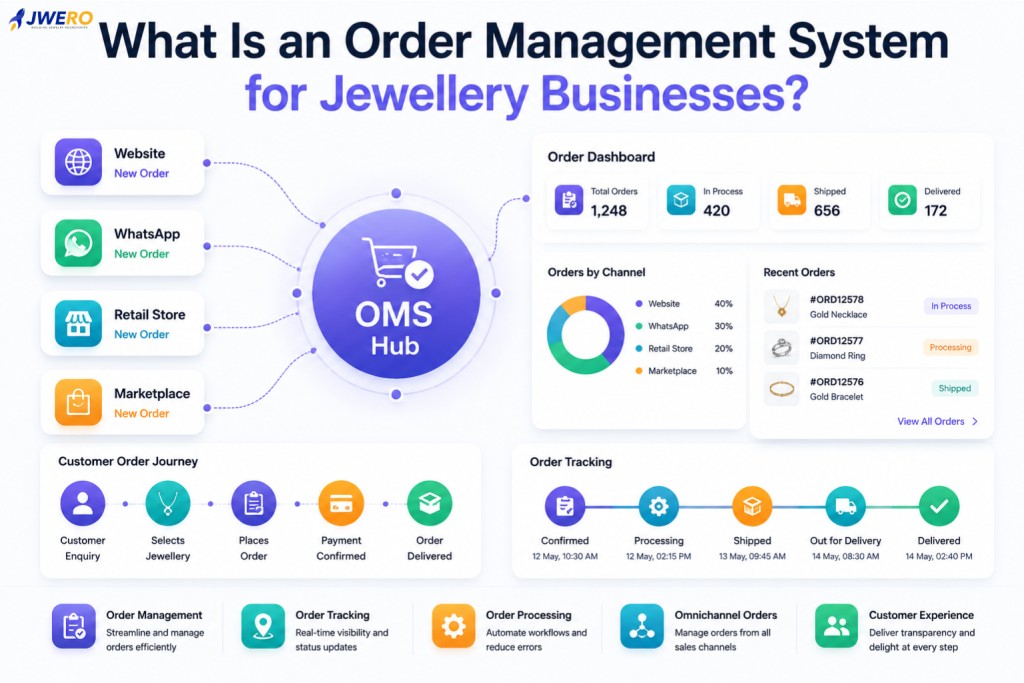
What Does a Jewellery OMS Do?
An OMS is designed to manage the complete lifecycle of customer orders.
Typical OMS responsibilities include:
- Order Capture
- Order Processing
- Order Tracking
- Custom Order Management
- Fulfilment Coordination
- Customer Communication
- Omnichannel Order Visibility
A Jewellery OMS answers questions such as:
- Where is this order?
- Has production started?
- Is the order ready for dispatch?
- What is the fulfilment status?
The OMS becomes the operational hub for customer orders.
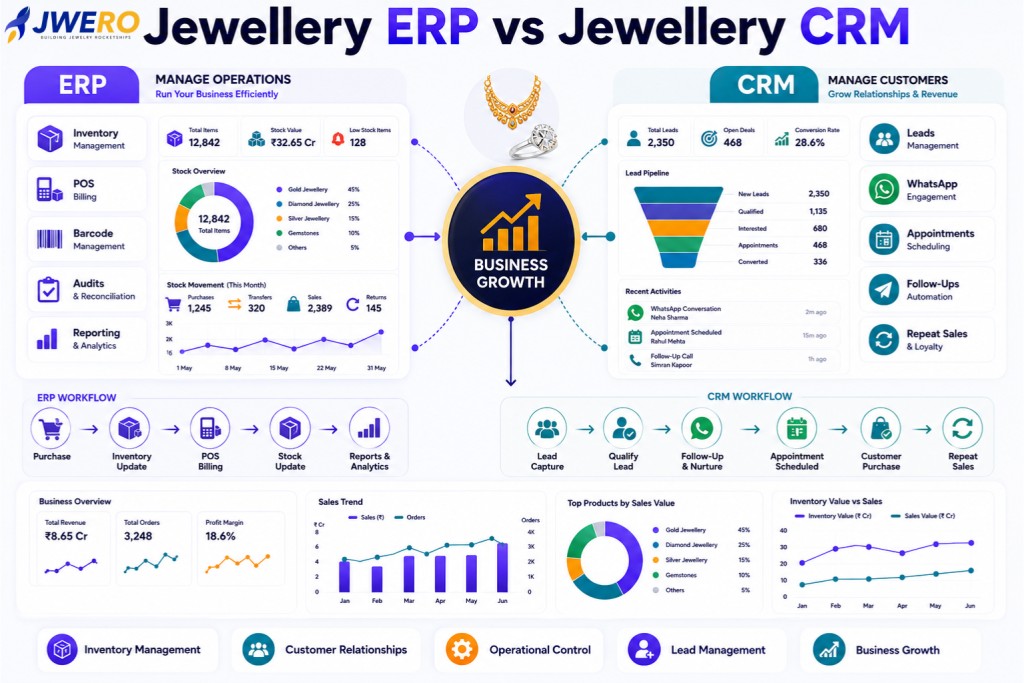
What Does a Jewellery ERP Do?
ERP systems focus on internal business operations.
Typical ERP functions include:
- Inventory Management
- Procurement
- Manufacturing
- Accounting
- Finance
- Vendor Management
- Business Reporting
An ERP answers questions such as:
- How much inventory is available?
- What materials need replenishment?
- What are current financial results?
- What is the production schedule?
ERP systems provide operational control across the organization.
What Does a Jewellery POS Do?
A POS system is primarily designed for retail transactions.
Functions typically include:
- Billing
- Payment Collection
- Customer Checkout
- Store Transactions
- Sales Recording
- Receipt Generation
A POS answers questions such as:
- What products were sold?
- How much revenue was generated?
- What payment method was used?
POS systems are optimized for in-store sales activities.
OMS vs ERP vs POS: Quick Comparison
| Function | OMS | ERP | POS |
|---|---|---|---|
| Order Management | ✓ | Limited | Limited |
| Order Tracking | ✓ | No | No |
| Omnichannel Orders | ✓ | No | No |
| Inventory Management | Limited | ✓ | Limited |
| Procurement | No | ✓ | No |
| Accounting | No | ✓ | No |
| Manufacturing | No | ✓ | No |
| Billing | No | Limited | ✓ |
| Customer Checkout | No | No | ✓ |
| Store Sales | No | No | ✓ |
| Fulfilment Coordination | ✓ | Limited | No |
| Customer Updates | ✓ | No | No |
Each platform solves a different problem.
Why OMS Is Becoming More Important
Historically, jewellery businesses relied heavily on ERP and POS systems.
However, modern customer journeys have become more complex.
Customers now:
- Browse Online
- Enquire Through WhatsApp
- Visit Showrooms
- Purchase Through Multiple Channels
- Expect Real-Time Updates
Neither ERP nor POS systems were designed to manage these experiences.
This is where OMS platforms provide value.
They connect customer orders across channels and provide complete visibility throughout the order lifecycle.
OMS Bridges the Gap Between ERP and POS
A useful way to think about these systems is:
Customer
    ↓
POS
    ↓
OMS
    ↓
ERP
POS
Captures the sale.
OMS
Manages the order.
ERP
Supports fulfilment and operations.
Together, they create a connected commerce ecosystem.
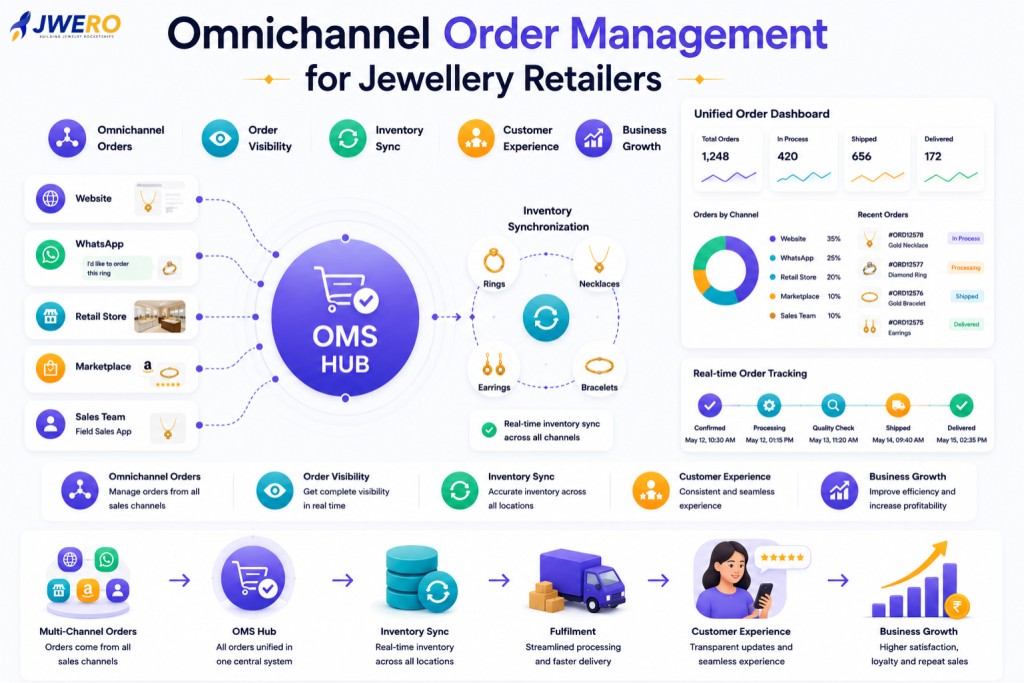
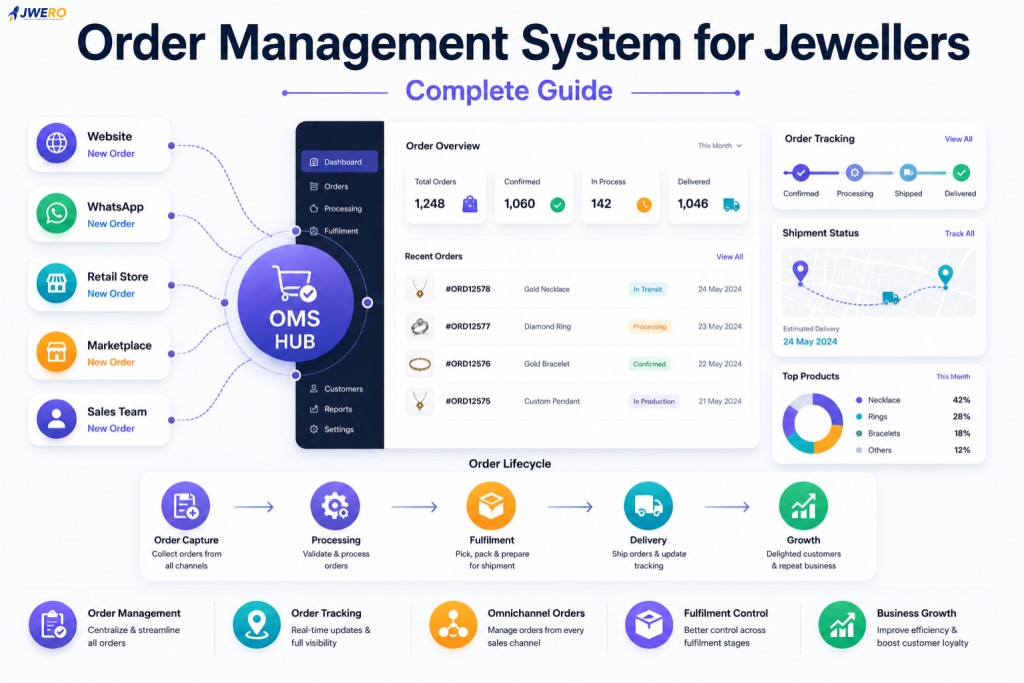
Managing Omnichannel Orders
Today’s jewellery businesses receive orders from:
- Retail Stores
- Ecommerce Websites
- Marketplaces
- Sales Teams
ERP and POS systems often struggle to provide a unified view of these orders.
OMS platforms centralize all order activity into one workflow.
This improves visibility and customer experience.
Managing Custom Jewellery Orders
Custom jewellery projects introduce additional complexity.
Examples include:
- Bridal Jewellery
- Bespoke Designs
- Personalized Pieces
- Stone Modifications
These orders often require:
- Design Approvals
- Production Updates
- Customer Communication
- Milestone Tracking
OMS platforms are specifically designed to manage these workflows.
ERP and POS systems typically provide limited support.
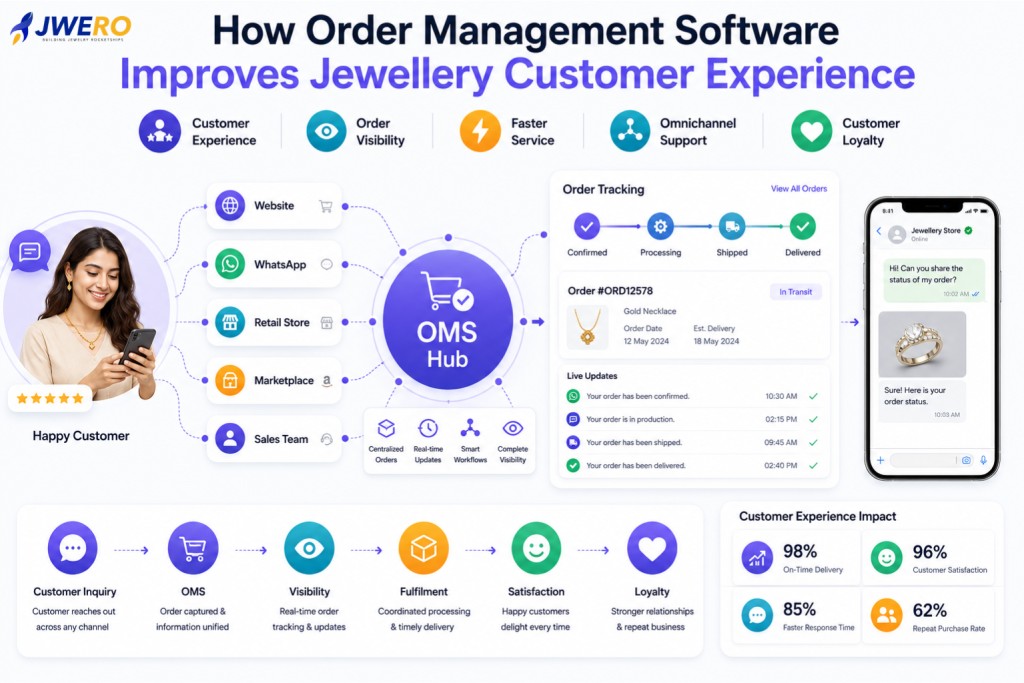
Customer Experience Is Driving OMS Adoption
Modern customers expect:
- Real-Time Updates
- Order Visibility
- Faster Responses
- Consistent Communication
OMS platforms help businesses meet these expectations.
ERP and POS systems focus primarily on operational efficiency rather than customer experience.
Do You Need All Three Systems?
Not every jewellery business requires all three platforms immediately.
However, growing businesses often benefit from a connected stack.
Small Retailers
May start with POS.
Growing Multi-Channel Businesses
Often add OMS.
Larger Operations
Typically require ERP alongside OMS and POS.
The right combination depends on business complexity and growth stage.
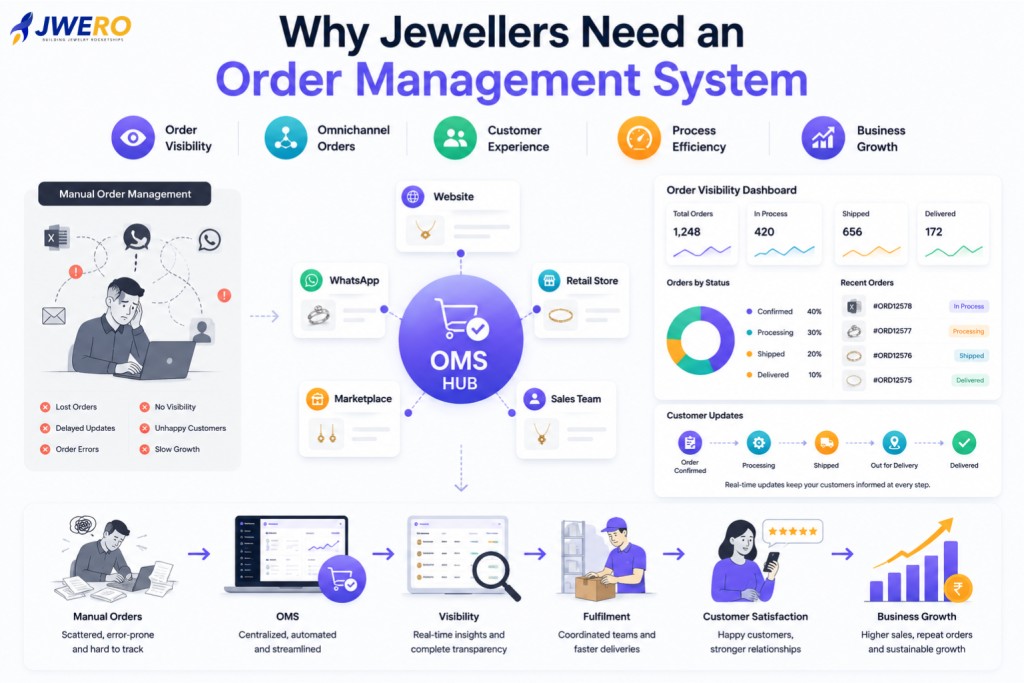
Signs You Need an OMS
You may need an OMS if:
- Orders come from multiple channels.
- Customers frequently request updates.
- Teams struggle with visibility.
- Custom orders are difficult to track.
- Fulfilment coordination is challenging.
- ERP and POS systems cannot provide order-level visibility.
These are common indicators that an OMS can provide value.
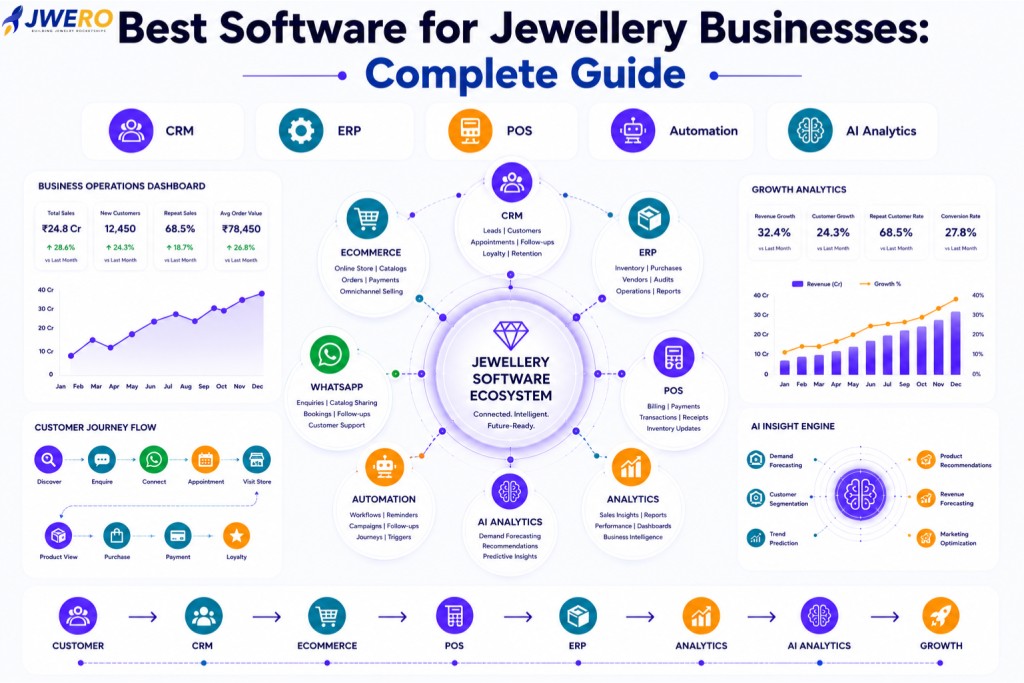
The Future of Jewellery Commerce Systems
The future is not OMS versus ERP versus POS.
The future is integration.
Modern jewellery businesses increasingly connect:
- OMS
- ERP
- POS
- Ecommerce
- CRM
- Customer Service
into one connected ecosystem.
This creates better visibility and better customer experiences.
How Jwero OMS Works With ERP and POS Systems
Jwero OMS is designed to complement existing ERP and POS investments.
Capabilities include:
- Omnichannel Order Capture
- Real-Time Order Tracking
- Customer Communication
- Fulfilment Coordination
- Custom Order Workflows
- Inventory Visibility
- Order Analytics
Rather than replacing ERP or POS systems, Jwero OMS connects customer-facing order processes with operational workflows.
The result is a more connected and efficient jewellery commerce ecosystem.
Final Thoughts
OMS, ERP, and POS systems serve different purposes.
A POS captures transactions.
An ERP manages operations.
An OMS manages customer orders.
As jewellery businesses expand across channels and customer expectations increase, OMS platforms are becoming a critical part of the technology stack.
Businesses that clearly understand these roles can make better technology decisions and create stronger customer experiences.
Frequently Asked Questions
What is the difference between OMS and ERP?
OMS manages customer orders and fulfilment workflows, while ERP manages broader business operations such as inventory, procurement, and finance.
What is the difference between OMS and POS?
POS handles retail transactions and billing, while OMS manages orders after they are created.
Can OMS integrate with ERP?
Yes. Modern OMS platforms typically integrate with ERP systems to synchronize inventory, fulfilment, and operational data.
Do jewellery businesses need both OMS and POS?
Many growing jewellers benefit from using both systems because they solve different operational challenges.
Can OMS manage custom jewellery orders?
Yes. OMS platforms are particularly useful for managing custom order workflows, approvals, and production milestones.